
Less to carry
Smaller file size, same dimensions
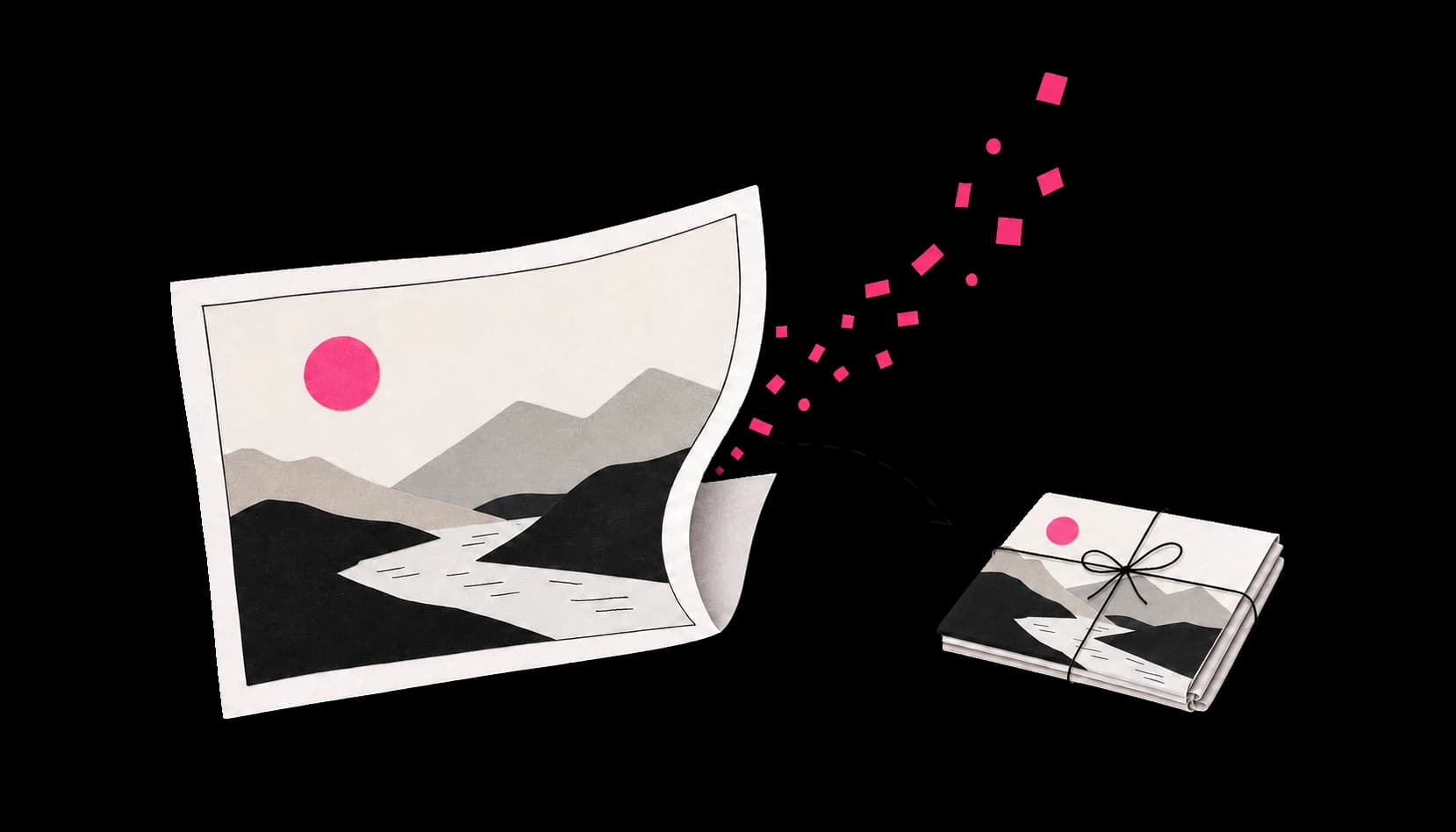
ImageHippo reduces your image’s file size while keeping its width and height the same. It reads the image in your browser, then creates a new, more efficiently encoded copy.
Deliver faster-loading pages with smaller files while maintaining image quality.
A lighter way to publish
A quick guide to smaller image files, clearer choices, and knowing when to leave the original alone.
Less to carry
ImageHippo reduces your image’s file size while keeping its width and height the same. It reads the image in your browser, then creates a new, more efficiently encoded copy.
The byte diet
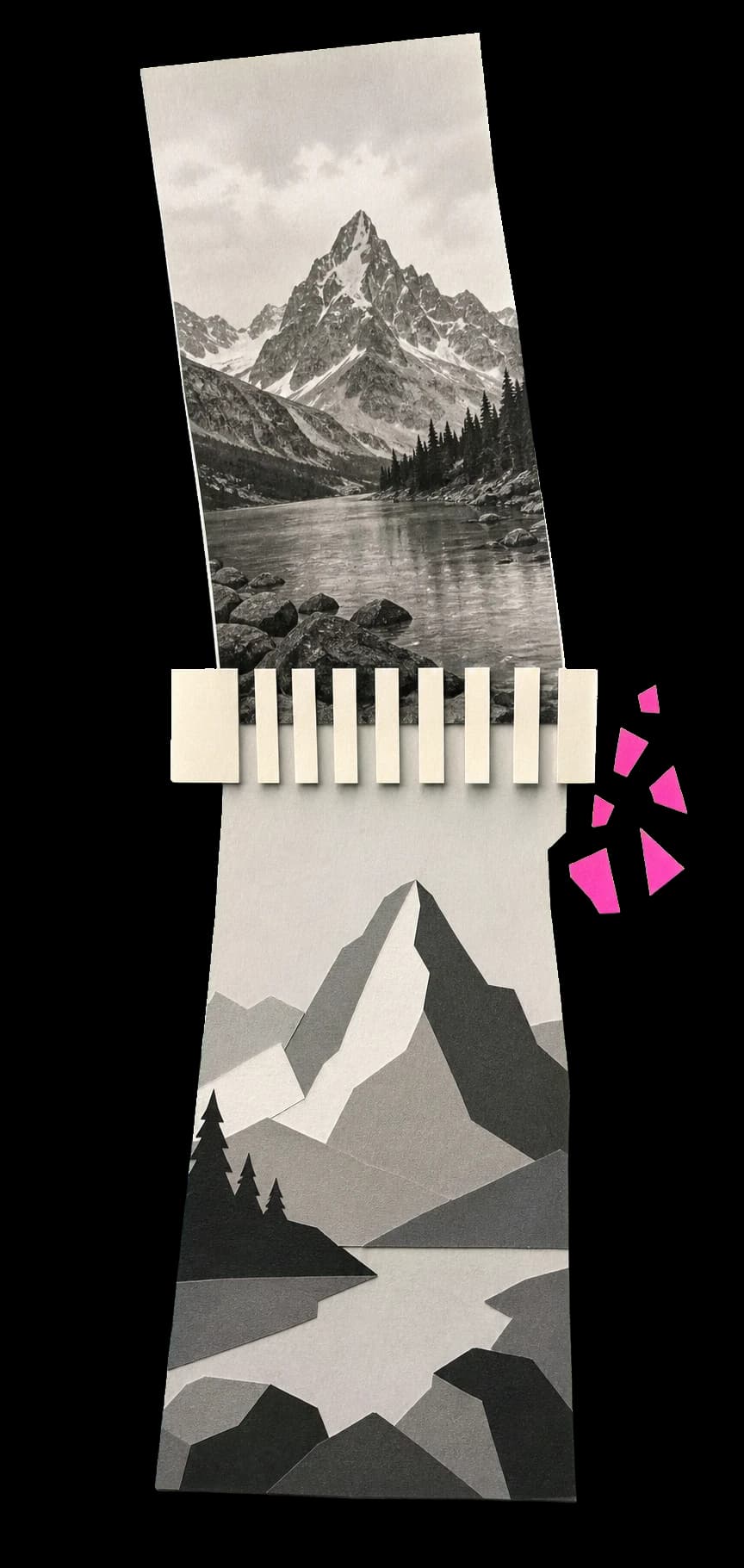
For photo formats such as JPEG and WebP, compression removes tiny visual details that are harder to notice. The simpler image needs fewer bytes to store. Choosing WebP can often shrink the file size further.
A little give and take
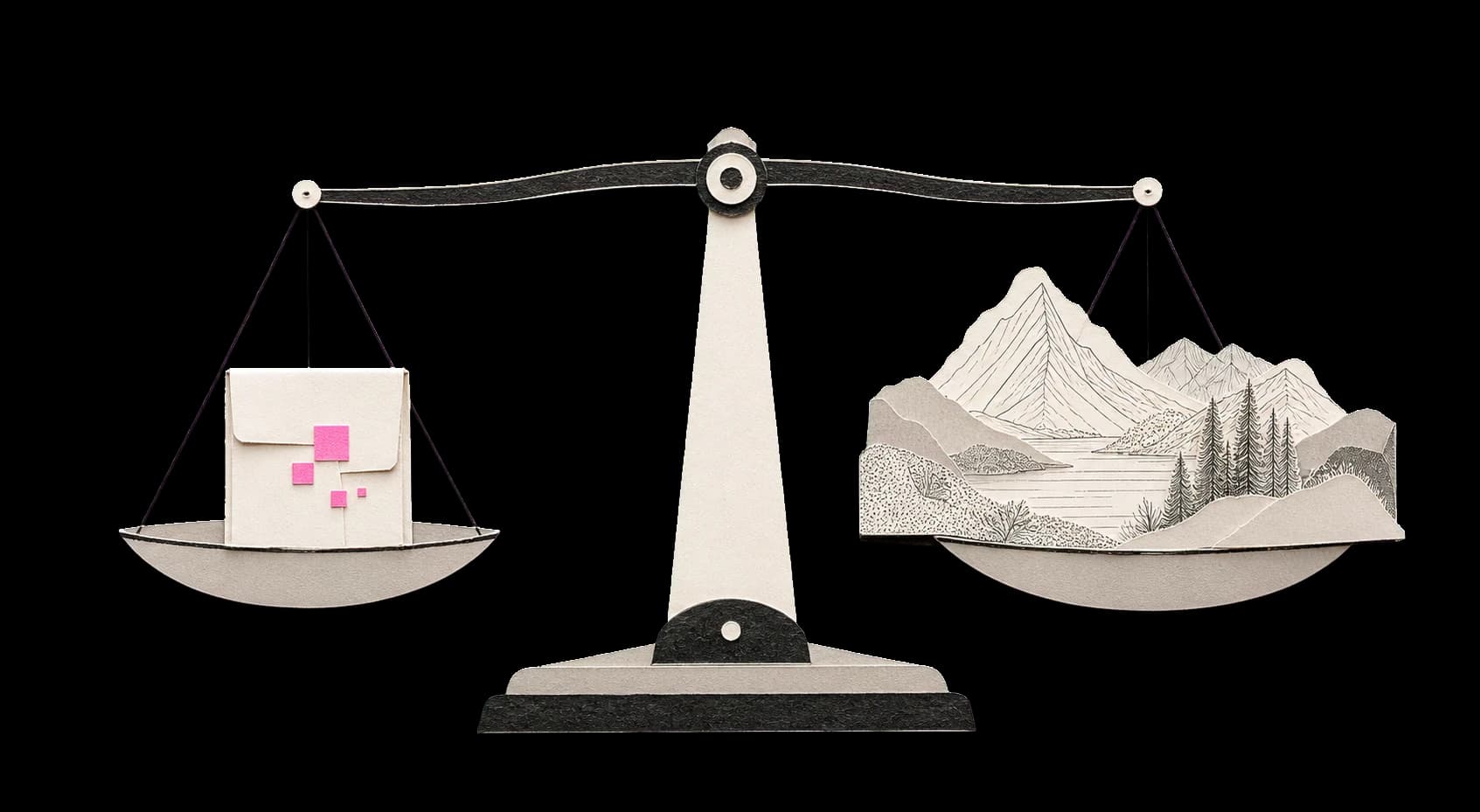
Reducing file size can remove fine detail. Stronger compression may soften textures, blur small text, or make smooth colour areas look uneven. Use the comparison view before downloading.
Made for the web
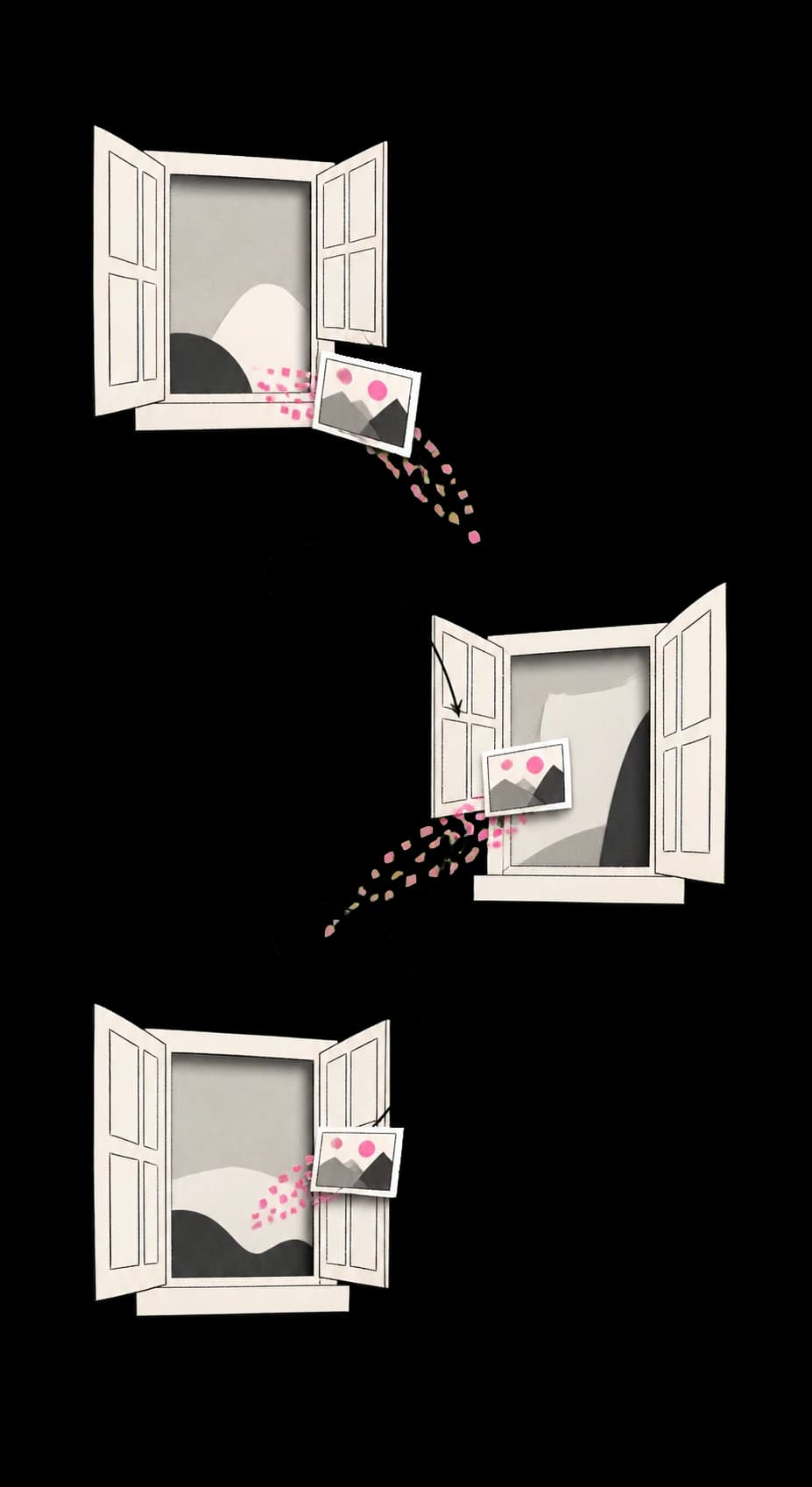
It is a great fit for website photos, blog images, product photos, and social-media images. Start with the default setting and increase compression only while the optimized image still looks good.
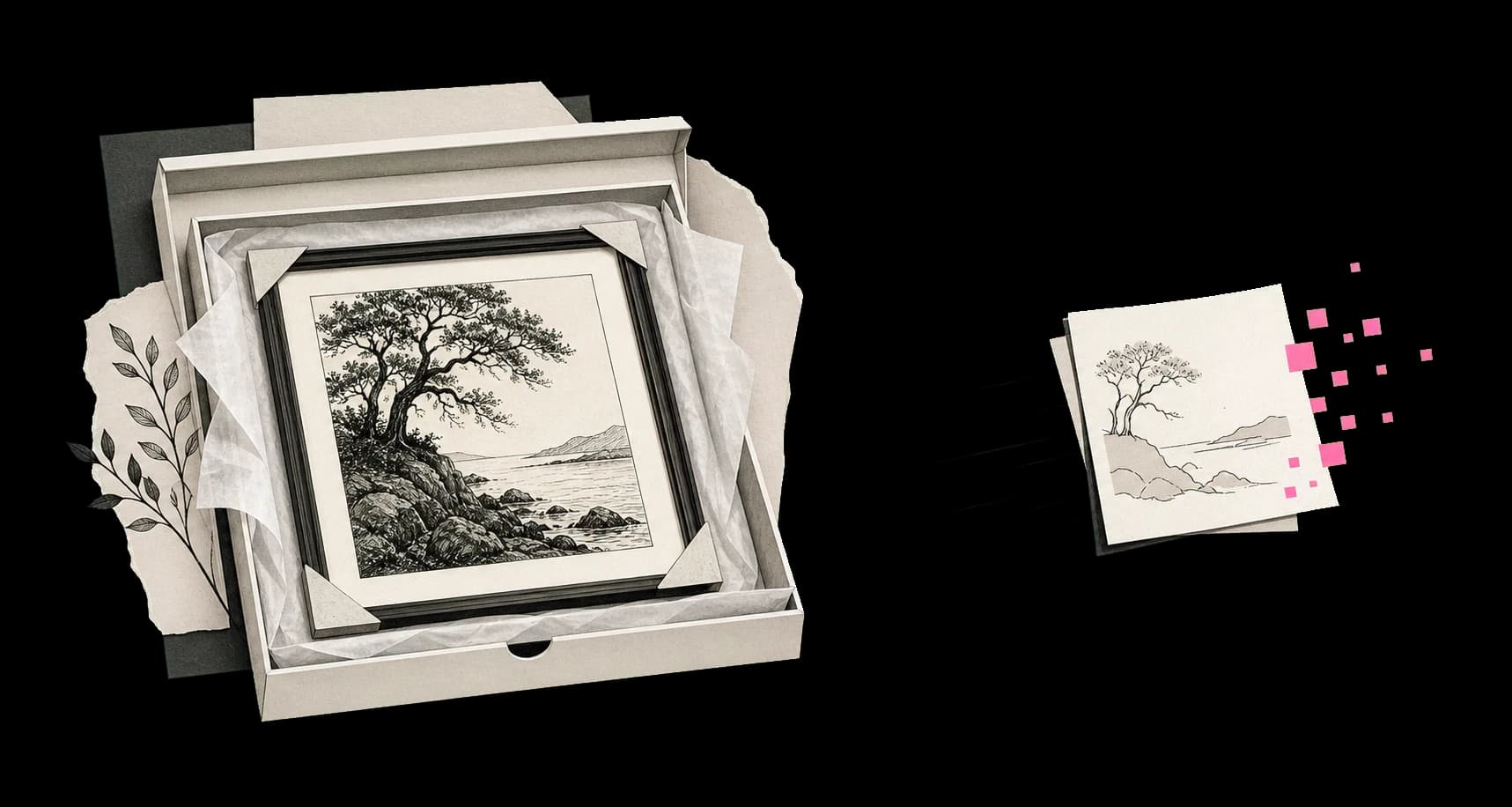
Keep the master
Avoid strong compression for print files, original photos you want to archive, logos, technical diagrams, or images with very small text. These images often need sharp detail or exact pixels.